


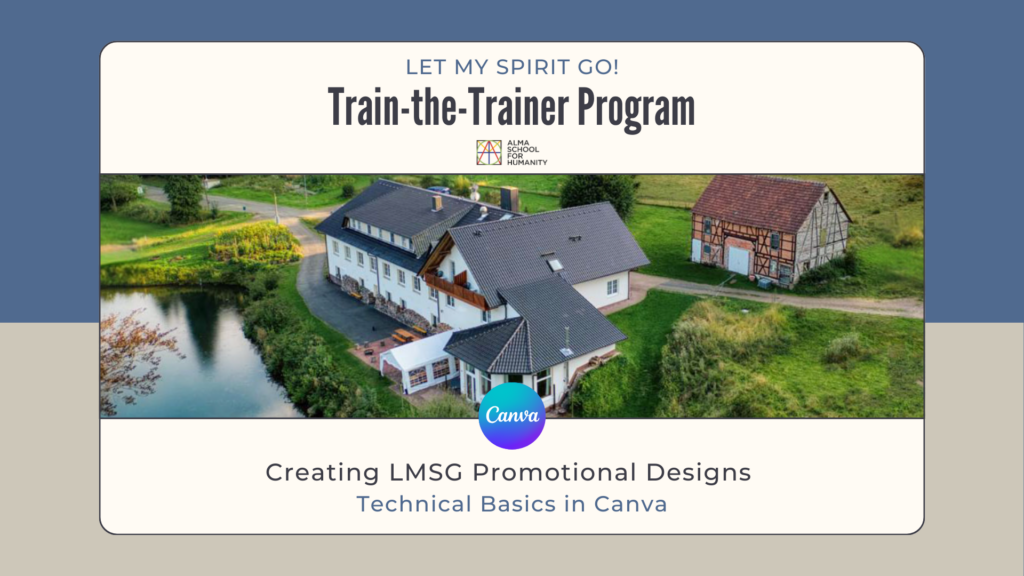
Welcome to this Canva Mini Course
Canva is a simple and intuitive design tool that makes it easy to create visual content, even without prior design experience.
This mini course introduces Canva’s core tools and shows how to use them in a clear, practical way.
The course is designed primarily for beginners, with step-by-step explanations and a structured pace.
More experienced users may also find value here, especially by refining how they work with layout, text, color, and positioning.
To get the most out of this course, active viewing is encouraged.
Pausing the videos, trying the tools yourself, and experimenting along the way will greatly support the learning process.
By the end of this mini course, you will have the confidence to create simple, effective designs for promoting LMSG.
Canva is a simple and intuitive design tool that makes it easy to create visual content, even without prior design experience.
This mini course introduces Canva’s core tools and shows how to use them in a clear, practical way.
The course is designed primarily for beginners, with step-by-step explanations and a structured pace.
More experienced users may also find value here, especially by refining how they work with layout, text, color, and positioning.
To get the most out of this course, active viewing is encouraged.
Pausing the videos, trying the tools yourself, and experimenting along the way will greatly support the learning process.
By the end of this mini course, you will have the confidence to create simple, effective designs for promoting LMSG.
1. Let’s create your Canva account
2. Welcome to Canva Interface
3. Working with Canva Elements Library
4. Uploading Your Own Images in Canva
5. Text Tools
6. The Position Tool – Part 1
7. The Position Tool – Part 2
8. Color Tools and Techniques in Canva
9. Final Touches Layout Text and Elements
10. How to Download Your Designs in Canva